Tower defense
Rift Defense
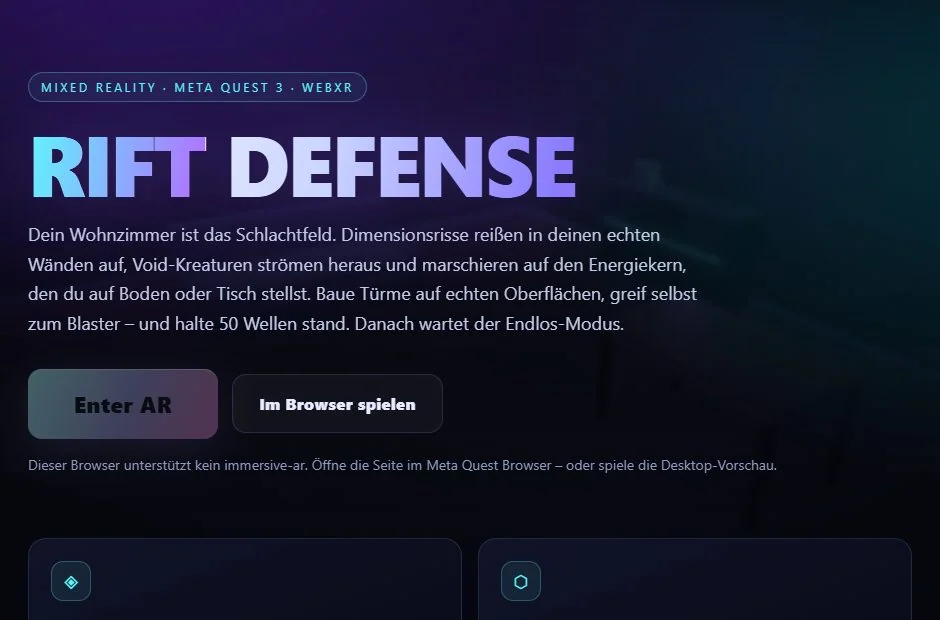
Place the energy core on your table and build towers on your furniture. As soon as cracks open in the walls, the first creatures start looking for a way to the core.
On your computer: Im Browser spielen choose.
WebXR projects · Browser & Meta Quest 3
We wanted to find out what happens when a browser can use our room as a playing field. Experimenting with WebXR gave us Rift Defense, Pocket Spirit and Chain Reaction. Try them out or use the public source code as a starting point for your own ideas.
Open a demo and choose the browser preview. Use mouse and keyboard to try it out in a virtual room.
Open this page in the Meta Quest Browser, pick a demo and tap Enter AR. Allow access to your space. The game objects then appear in your real room. With a room scan set up, the demos also use your floor and furniture.
All three are open source. You can find the code on GitHub.
Place the energy core on your table and build towers on your furniture. As soon as cracks open in the walls, the first creatures start looking for a way to the core.
On your computer: Im Browser spielen choose.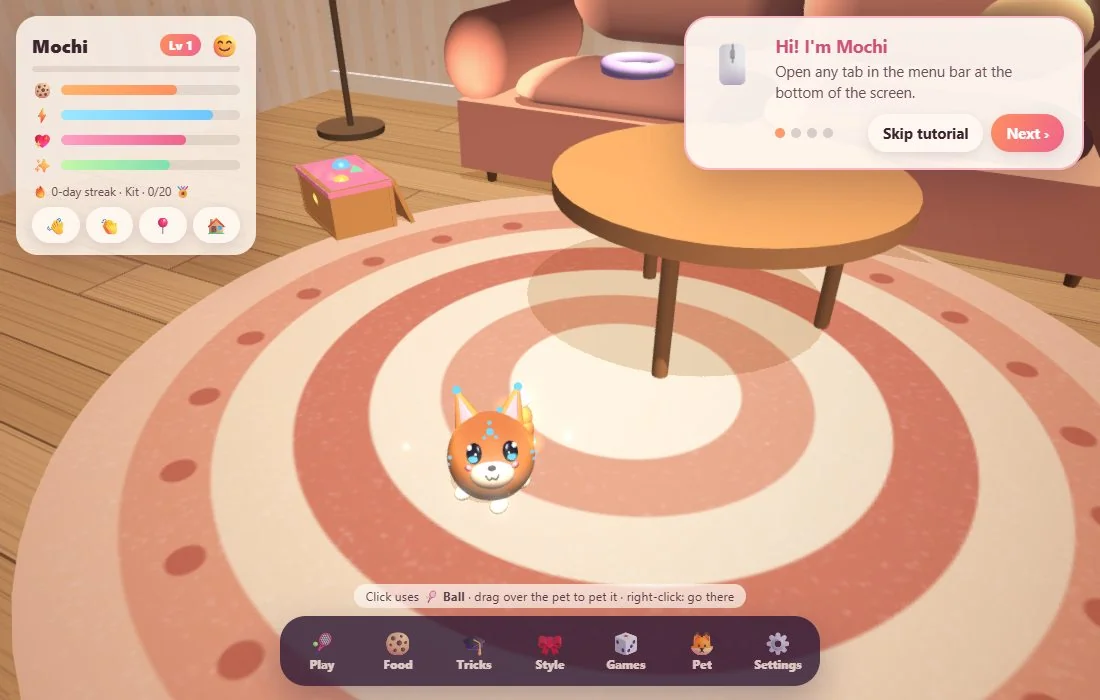
A little fox spirit moves in with you. Throw it a ball, let it chase soap bubbles or hold out your hand for a high five.
On your computer: Preview in this browser choose.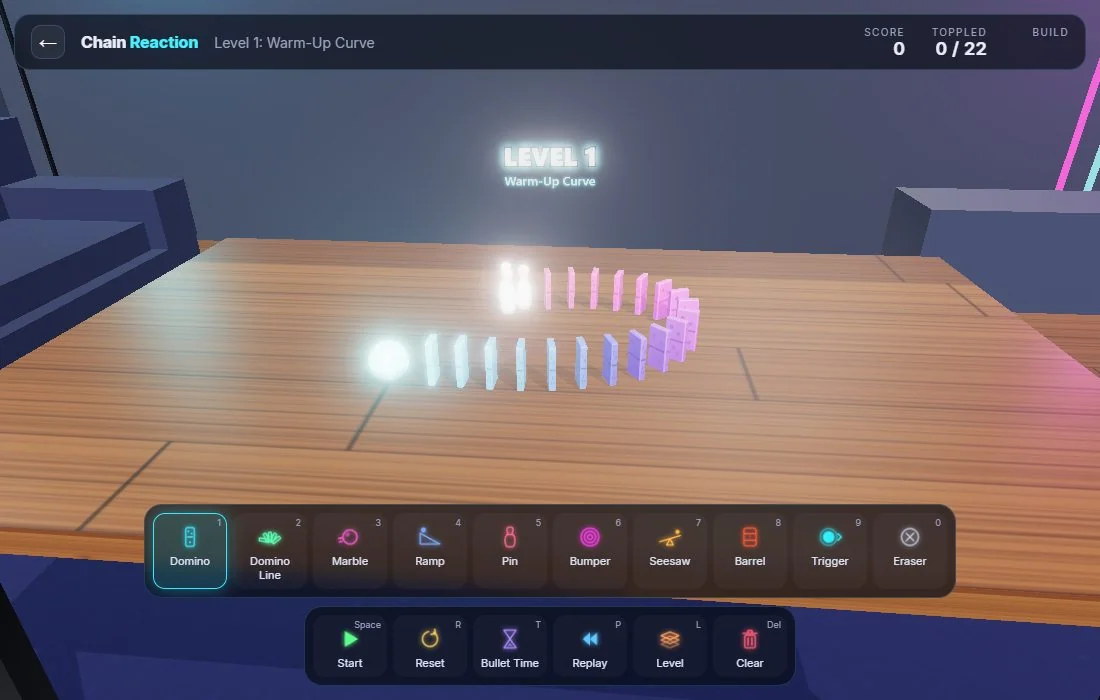
Line up dominoes across your table, angle a ramp and send off a marble. In slow motion you can see exactly where the chain reaction stalls.
On your computer: Preview in browser choose.